Map Controls
This is an overview of the interactive features and tools available in the map.
 |
- Toggle Fullscreen |
 |
- Zoom in |
| - Zoom out | |
| - (Tap) Reset bearing to north, (Hold and drag) Rotate map | |
 |
- Turn on/off GPS |
Mouse & Keyboard Controls
This is an overview of the interactive features and tools available while using a mouse and keyboard which helps in providing a smooth experience while using the interactive map.
 |
- Left-click on an entity in the map to see more information. |
 |
- Left-click + drag to move across the map. |
 or or  |
- Double-click or Scroll up to zoom in. |
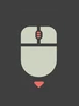 |
- Scroll down on the map to zoom out |
 or or 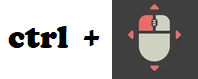 |
- Right-click or hold Ctrl then drag to rotate the map. |
Touchscreen Controls
This is an overview of the interactive features available while using touchscreen devices.
 or or  |
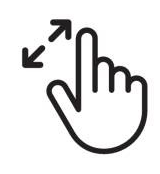
- Pinch out or double tap to zoom in |
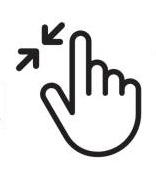 |
- Pinch in to zoom out |
 |
- Tap on an entity in the map to see more information. |
 |
- Touch and drag to move across the map. |
 |
- Drag two fingers in a rotating motion to rotate the map. |
| - Drag two fingers up or down to change the map's bearing. |